
From scan to order
in four simple steps.
From the first scan to order management, each step is simple for guests to understand and straightforward for your team to follow.
Guests Scan
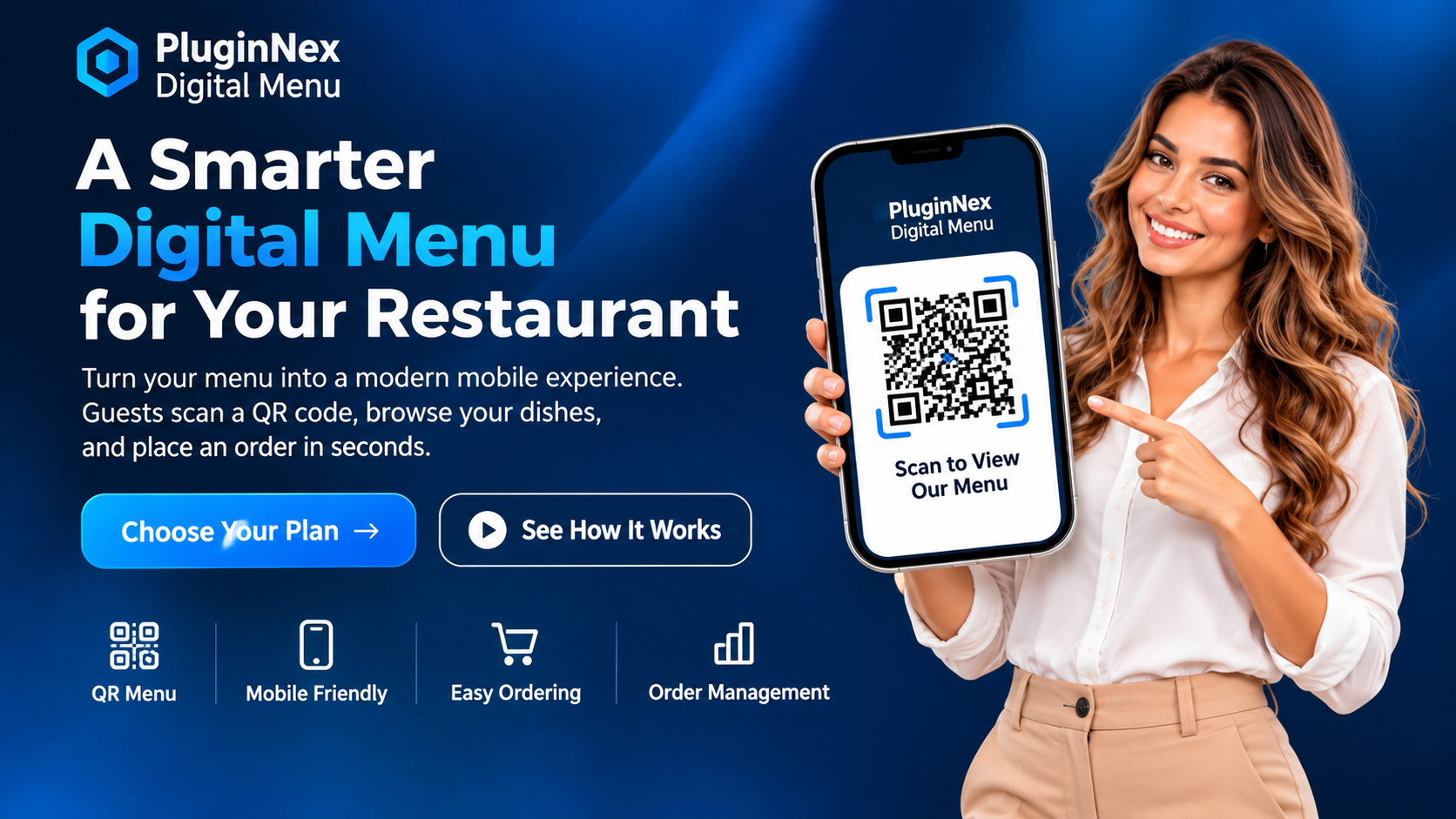
Place a QR code on the table or at your counter. Guests scan it with their phone camera to open your menu in the browser.
They Explore
Customers browse your digital menu, review dish details and prices, and choose the items they want.
They Place an Order
Guests submit their selection through the ordering flow available in your installed Digital Menu setup.
Your Team Manages It
Your team views incoming orders and updates order statuses using the order-management features enabled on your site.
Good to know: Digital Menu ordering is separate from subscription checkout. PayPal is used to purchase the software plan; it is not presented here as a payment processor for restaurant guests' food orders.
Your menu, presented
beautifully on mobile.
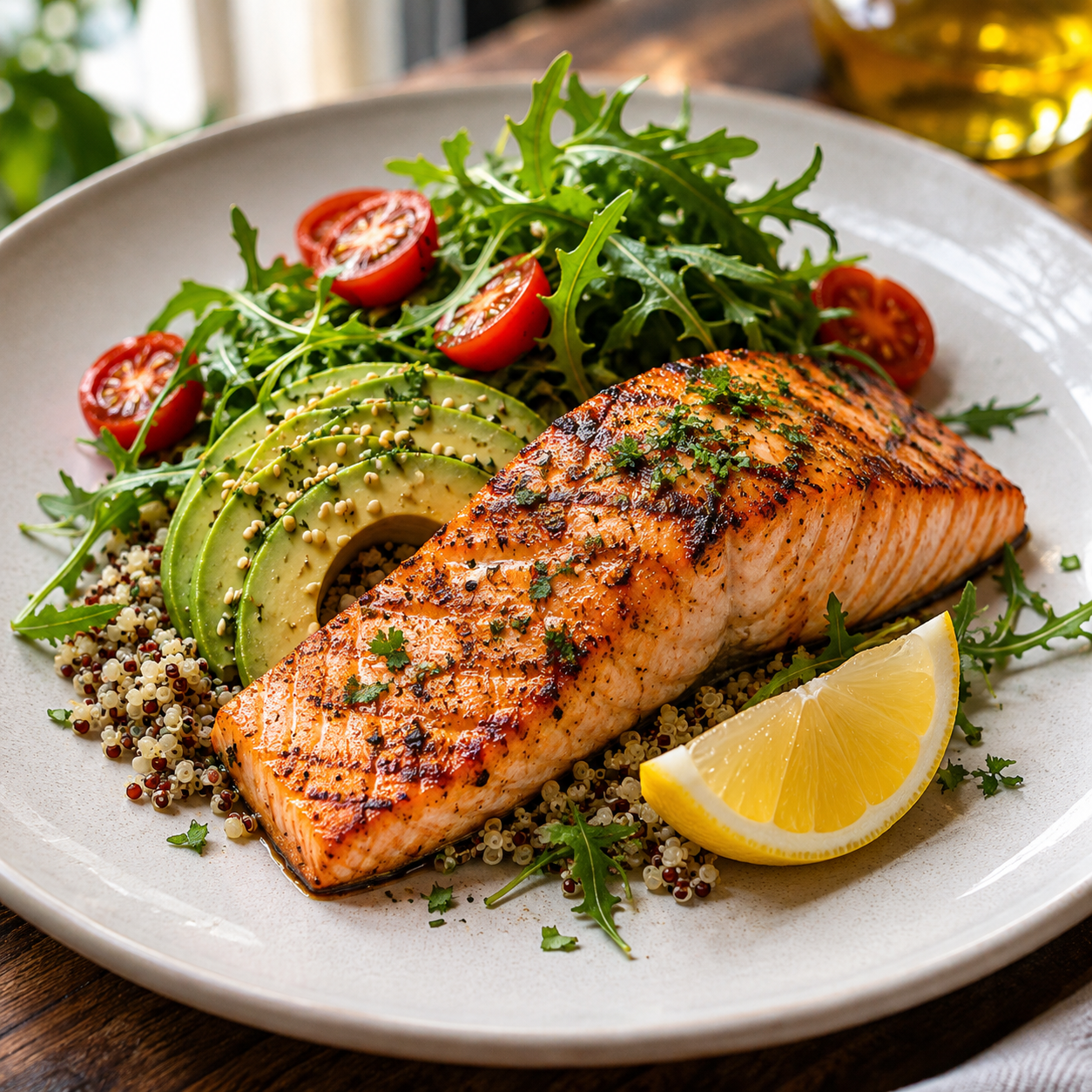
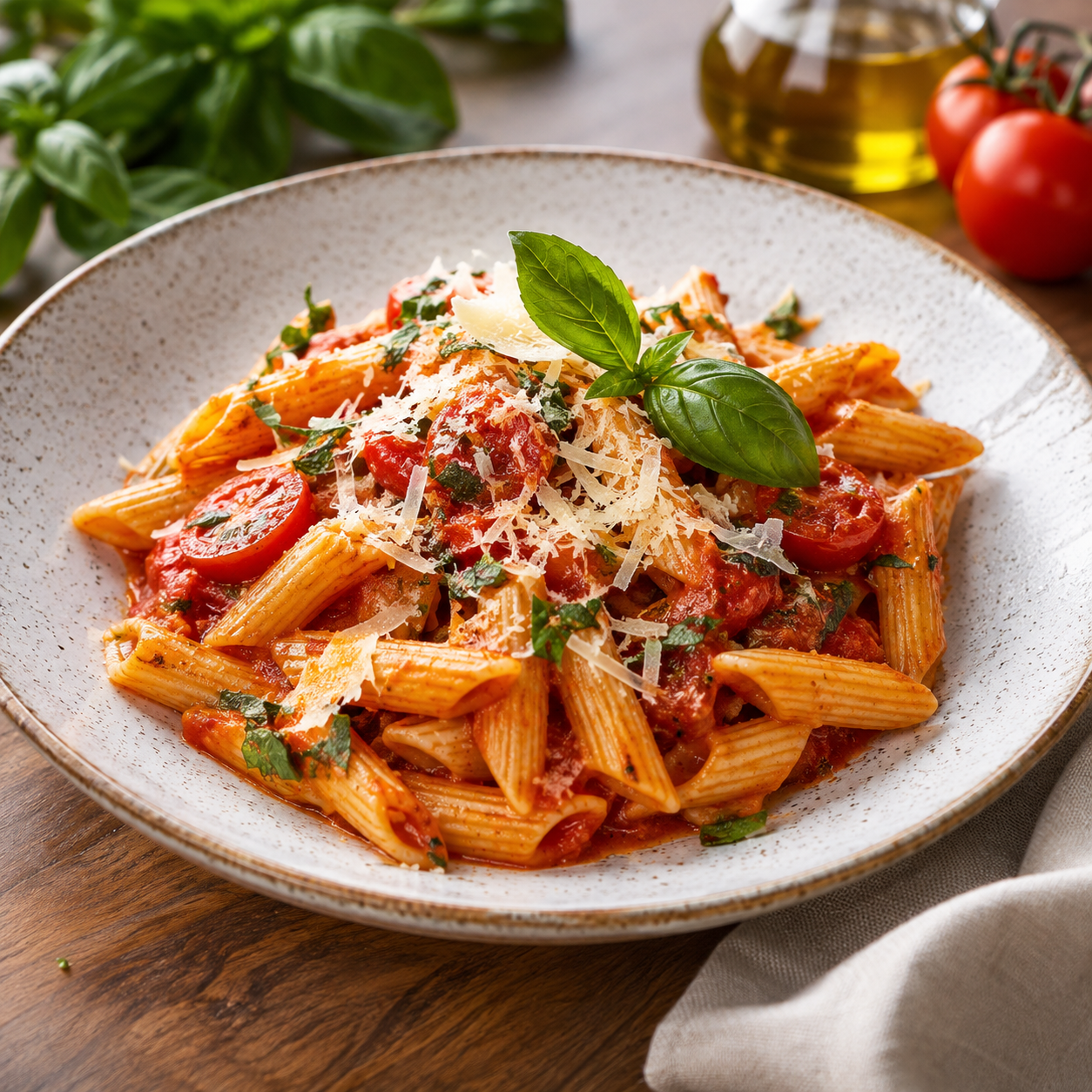
Turn your printed menu into a polished mobile experience. Guests can explore dishes, compare prices and follow the ordering journey on the phone they already use — no app download required to browse.
- QR code opens the menu in a browser
- Menu items are easy to scan and compare
- Ordering stays separate from your software subscription
Everything starts with
a better menu experience.
Present your menu clearly and manage the order flow using the capabilities enabled in your Digital Menu installation.
QR Digital Menu
Let guests open your menu by scanning a QR code with their phone camera.
Menu Presentation
Present menu items, descriptions and prices in a convenient mobile browsing experience.
Order Status Workflow
View incoming orders and update their status where supported by your installed version.
Plan for Your Business
Choose the Basic or Multi-Branch subscription that matches your intended setup.
Choose the plan for
your restaurant.
Start with one restaurant website, or choose the multi-branch plan for a growing business. Pick monthly or annual billing and continue to secure checkout.
Basic
A starting point for one business website.
- Digital Menu subscription
- QR menu access
- Single-site license plan
- PayPal recurring billing
Multi-Branch
For a business that needs a multi-branch license plan.
- Digital Menu subscription
- QR menu access
- Multi-branch license plan
- PayPal recurring billing
Start with PluginNex
Digital Menu.
Select your plan and billing schedule below to continue with secure PayPal checkout.
Your subscription is handled securely through PayPal. Restaurant guest orders and food payments are separate from your PluginNex software subscription.
Before you get started.
How does a guest open the menu?
Guests scan the QR code using their phone camera and open the menu in their browser. No separate app download is required for this browsing flow.
Does PayPal process restaurant food orders?
No. On this page, PayPal is used for your PluginNex software subscription. Guest food-order payment options depend on the restaurant's separate setup.
How is my software license activated?
Your subscription is processed through the PluginNex checkout system after payment confirmation.
Can I pay annually?
Basic is $190 billed annually. Multi-Branch is $249 billed annually.
Does Multi-Branch include every branch feature?
Multi-Branch is designed for businesses that need a multi-branch license. Available branch functionality depends on the Digital Menu product configuration.
What should I test before going live?
Choose a monthly or annual option and follow the secure checkout steps. Contact PluginNex support if you need help choosing a plan.
Bring your menu
to life.
Give every guest a smooth mobile menu experience — from the first scan to the order.
Choose your plan